


Customizing The Subscription Form
Files: src/config/config.toml, src/layouts/components/widgets/SubscriptionForm.astro, src/i18n/<lang>.json · Skill level: Beginner
The Settings
[settings.subscription] enable = true title = "" note = "" formAction = "https://your-account.us1.list-manage.com/subscribe/post?u=YOUR_USER_ID&id=YOUR_LIST_ID&f_id=YOUR_FORM_ID" mailchimpTagValue = ""enable: shows or hides the form.titleandnote: leave these empty to usesubscription.titleandsubscription.notein each language file. A value here shows in every language.formAction: your Mailchimp address. It ships as a placeholder. Mailchimp’s code shows&: change each one to a plain&.mailchimpTagValue: an optional Mailchimp tag.
In the Tina edition, these are under Subscription in Site settings, and the text is under Subscription in Interface labels. In the Sanity edition, they are in the same places in the Studio. Adding the component is a code change in every edition.
Add The Form To The Footer
The component reads its settings from props, so pass it the block from your config. In src/layouts/components/global/Footer.astro:
---import SubscriptionForm from "@/components/widgets/SubscriptionForm.astro";---
<SubscriptionForm {...config.settings.subscription} />
Getting The Mailchimp Form Action URL
Create a Mailchimp Account
If you don’t already have a Mailchimp account, sign up at mailchimp.com or log in if you have one.
Create an Embedded Form
After logging in, you will see the dashboard. From the left sidebar, click the
Createbutton located at the top.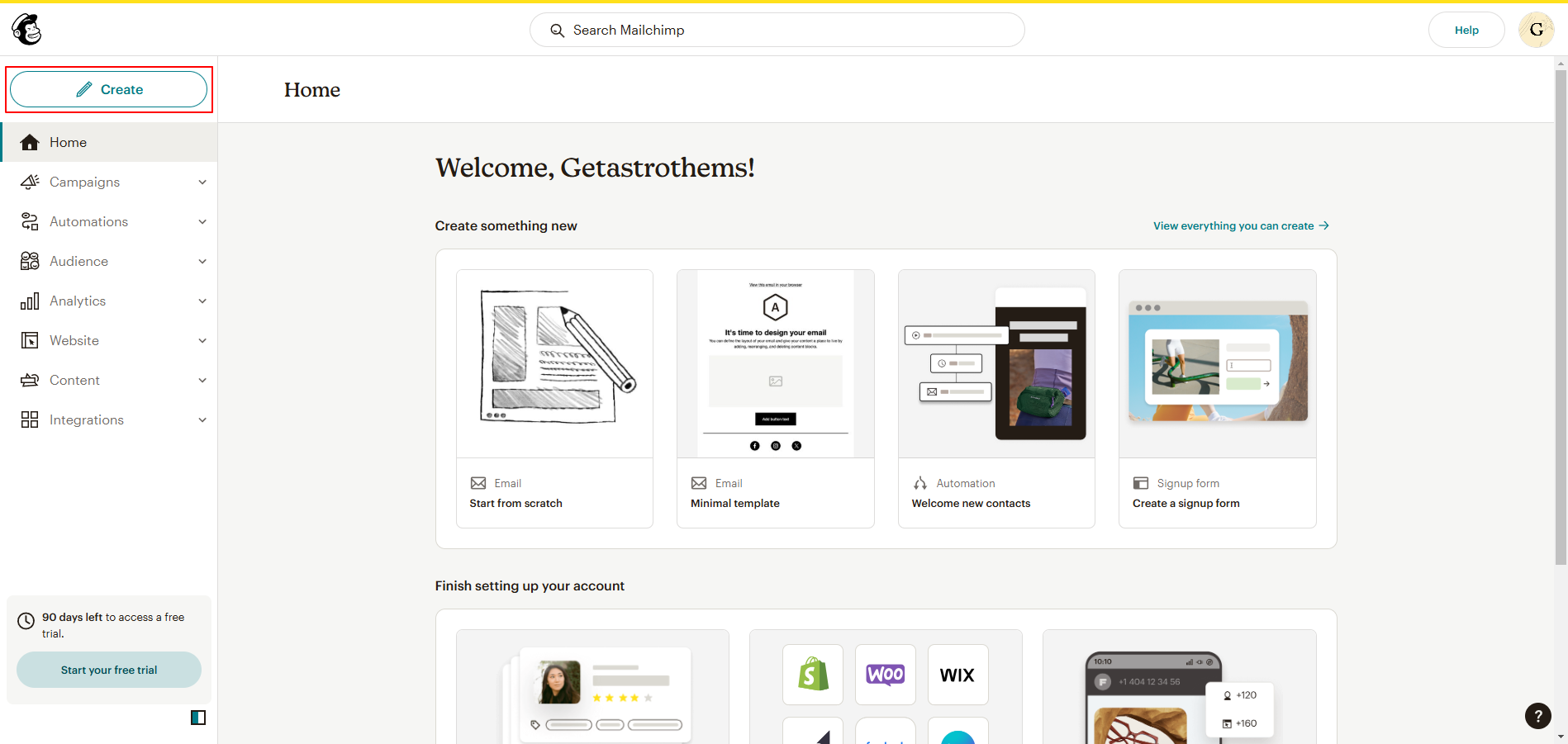
Then click
Signup Form, thenEmbedded Form, and fill out the form before clickingBegin.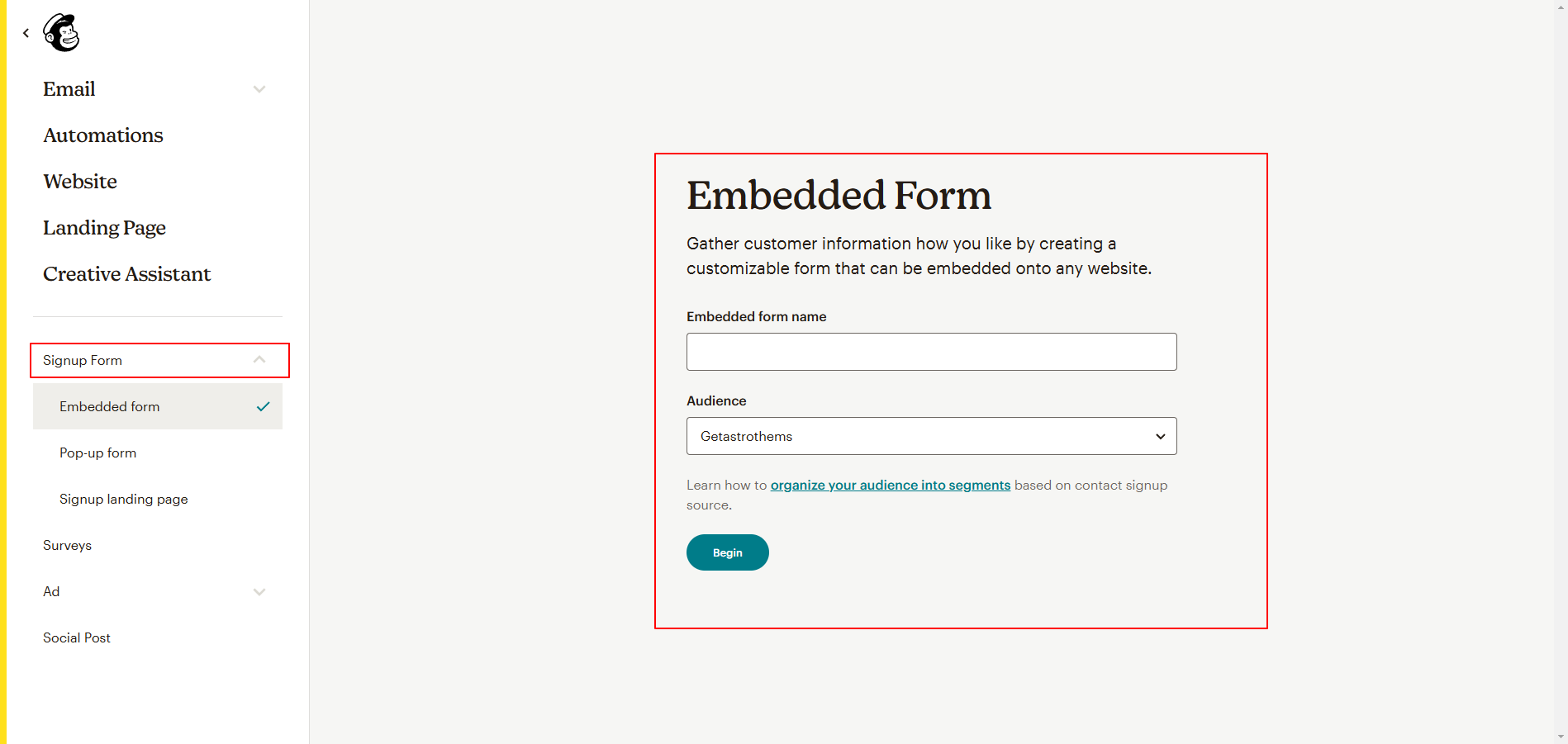
After you click
Begin, you will see a page where you can add more fields. Now, from the top right, click theContinuebutton.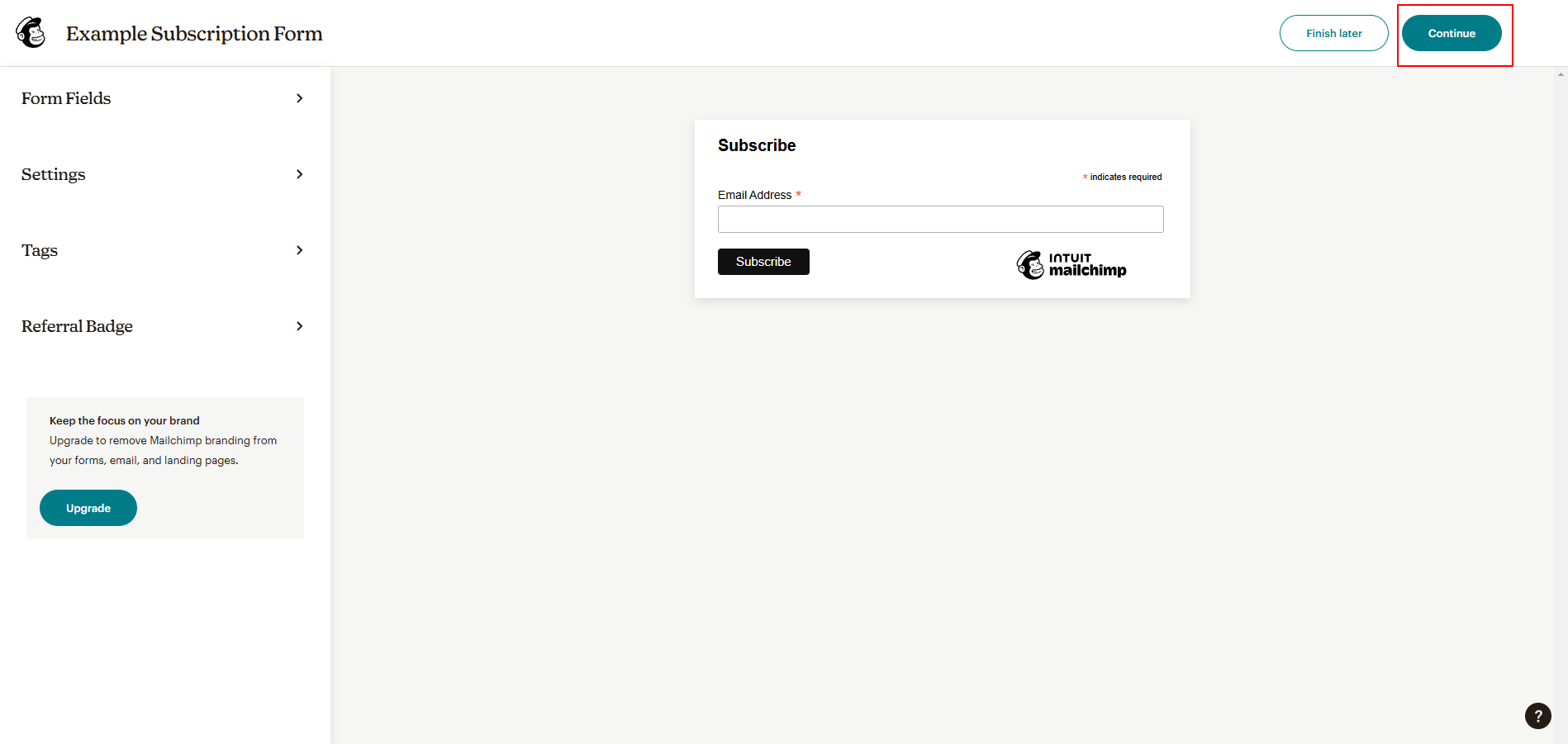
You will then see the following page. From the embedded form code, copy the
form actionvalue and paste it into theconfig.tomlfile under theformActionoption.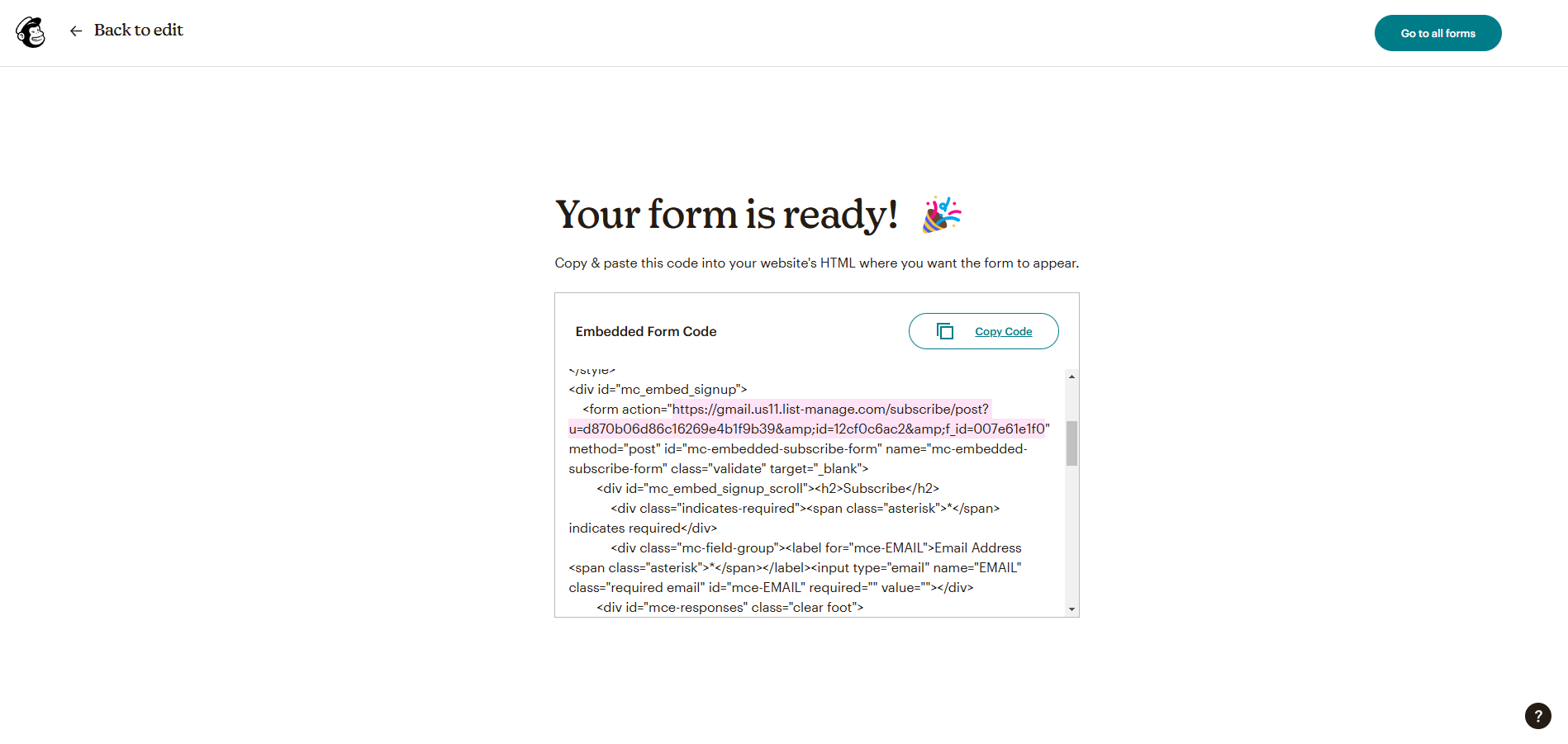
Ready to try? Fill out and submit the subscription form to test it.
Do It With AI
Show the Mailchimp subscription form in the footer. Importsrc/layouts/components/widgets/SubscriptionForm.astro in src/layouts/components/global/Footer.astroand pass it config.settings.subscription. Use logical CSS so it works right to left. Then setformAction in src/config/config.toml to [MY MAILCHIMP URL] and run npm run astro-check.