


Plumbo is an Astro and Tailwind CSS theme for plumbers and plumbing companies: repairs and leaks, drains and sewer lines, water heaters and water quality, commercial plumbing, and 24/7 emergency call-outs. It ships over 30 page types, including 4 homepages, in English, French, and Arabic with full right-to-left support, in light and dark mode.
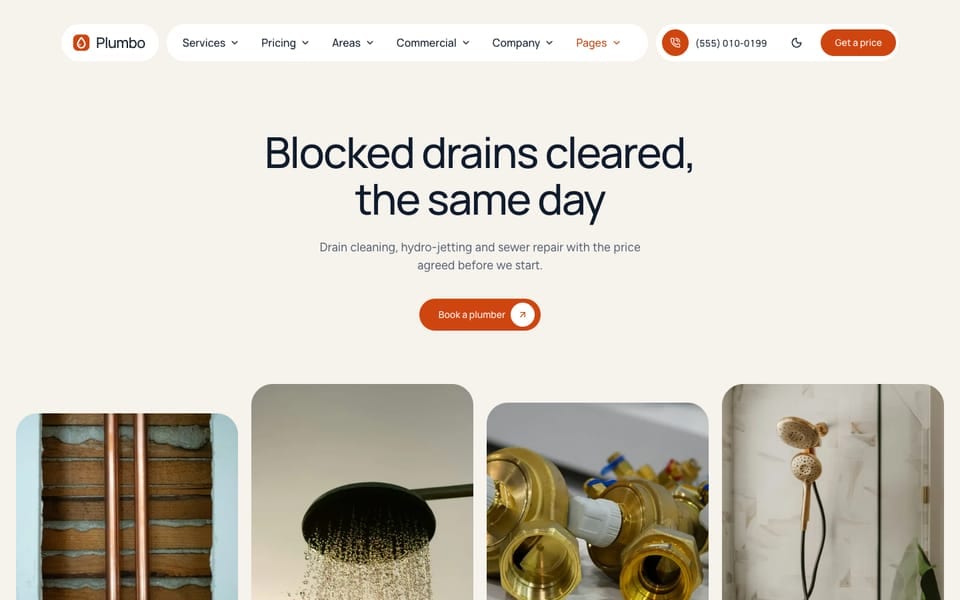
Most changes in Plumbo are edits to plain text files, not code: your business details, text, photos, buttons, menus, prices, service areas, and the layout of every section that has more than one. Your company name, phone, email, address, and opening hours are set once and reused on every page. When you do want to change code, the theme ships instruction files that tell AI coding tools how it is built.
Plumbo comes in three editions: Astro, Tina, and Sanity. The design and pages are the same, and they differ in where your content lives and how you edit it. See Theme Editions.
What Is Included
- 4 homepages: drains and sewer (
/, the main homepage), a residential plumber (/home-residential/), water heaters and water quality (/home-water/), and commercial plumbing (/home-commercial/). Each one has its own header and footer layout - Services: an overview grouped by trade (plumbing repairs, drains and sewer, water heaters and water, 24/7 emergency) and one page per service (10 sample services, from leak detection and pipe repair to drain cleaning, sewer lines, tank and tankless water heaters, and water filtration), each with what is and is not included, add-ons, and an estimator
- Instant estimator: prices by the hour (with a call-out fee) or per unit (per drain, per fixture, per foot, per gallon of tank size), with add-ons and minimum charges. The result carries over to the booking form
- Pricing: yearly maintenance plans, add-ons, a rate sheet for every service, and the estimator on one page, all from one price file
- Emergency and specials: a 24/7 emergency page, and a specials page with coupons and financing
- Booking request: a multi-step booking form on
/book/with a postal-code check against your service areas, date limits, and a saved draft - Service areas: an overview with an area finder and one page per area, with postal codes, neighborhoods, and local notes
- Trust pages: Reviews with a rating summary, Projects with before and after photos, the guarantee, How it works, and an FAQ
- Company: about, team, careers with one page per open role, commercial sectors (offices, restaurants, medical offices, retail, property managers, short-term rentals), contact, and referral
- Content: a blog with categories, tags, an author box, related posts, a table of contents, and an RSS feed
- Legal: privacy policy, terms and conditions, cookie policy, cancellation policy, and a 404 page per language
- Section layouts: many sections have more than one look, chosen with one line, and
/elements/previews them all - Header and footer: four header layouts with a services mega menu, four footer layouts, and a Call / Get a price bar on phones
- Languages: English, French, and Arabic, with the whole layout mirrored on right-to-left pages. See RTL & Arabic
- Built in: light and dark mode, smooth scrolling, cookie consent, SEO (sitemap,
robots.txt, structured data for your business, services, areas, and prices, generated Open Graph images),llms.txtand Markdown copies of pages, Ask AI links, and forms that send to Formsubmit, Formspree, or Netlify Forms
Choose Your Path
Every guide in these docs starts with the plain-language task, then shows the exact file and setting. Pick the path that matches how you like to work:
The Files You Will Edit Most
This table shows the files. In the Tina edition you can edit them at /admin/, and in the Sanity edition most of this content is in the Studio. See What Is Editable In Tina and What Is Editable In Sanity.
| What you want to change | Where it lives |
|---|---|
| Company name, phone, email, address, opening hours | [business] in src/config/config.toml |
| Site name, URL, forms, estimator and booking settings | src/config/config.toml |
| Rate cards, add-ons, and maintenance plans | src/content/pricing/english/-index.md |
| Services and what each one includes | src/content/services/english/ |
| Service areas and their postal codes | src/content/areas/english/ |
| Header and footer links | src/config/menu.<language>.json |
| Colors and type scale | src/styles/theme.css |
| Fonts | src/config/fonts.json |
| Text and images of a section | src/content/sections/english/ (and each other language folder) |
| Text and section settings of one page | src/content/<collection>/english/-index.md, or src/content/pages/english/<page>.md for single pages |
| Button labels and other small interface text | src/i18n/<language>.json |
Links
- Live Preview (the demo turns on the floating “Change layout” button; it is off in your copy)
- Layout Gallery: every layout of the sections that have more than one, and the page header. In your copy, run
npm run devand openhttp://localhost:4321/elements/ - Support